Redact & Blackout PDF Studio
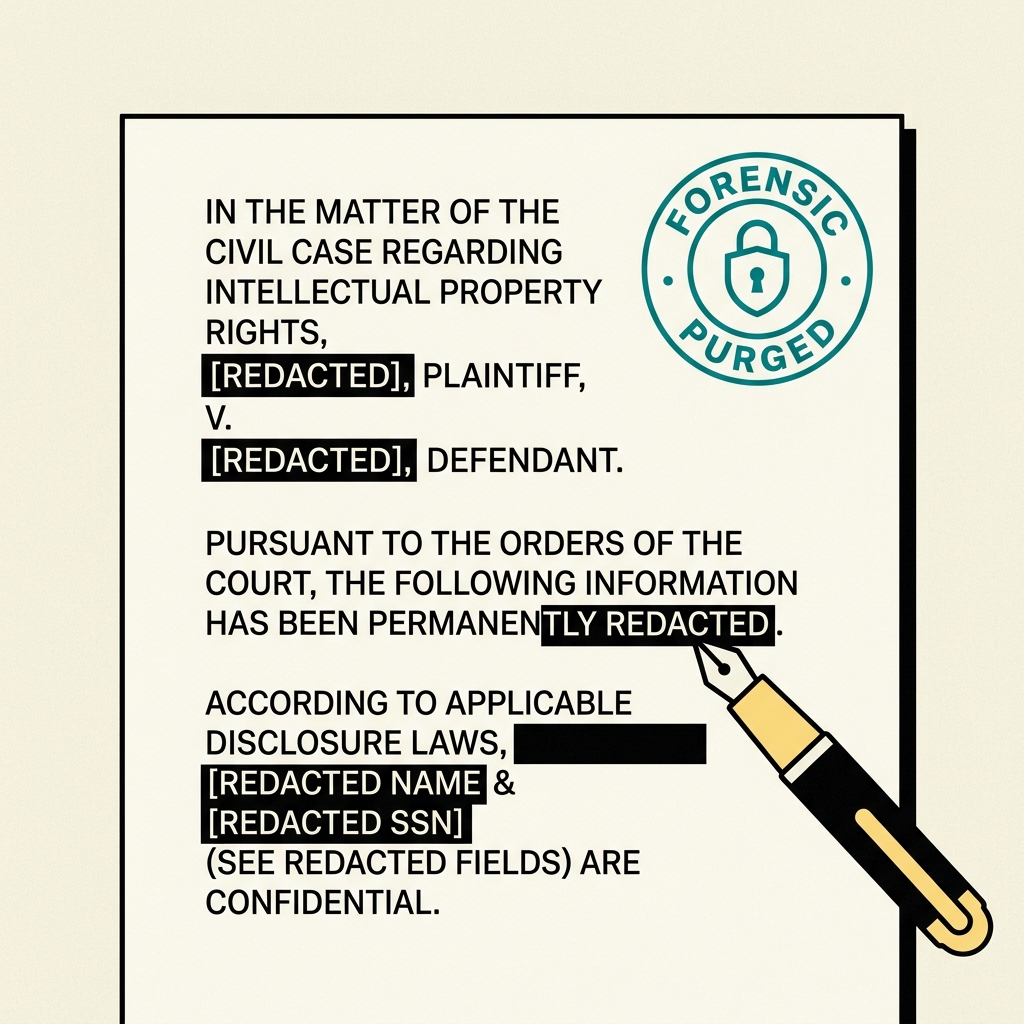
Irreversibly sanitize confidential PDFs. Auto-scan SSNs and credit cards or drag to blackout with permanent text-stream removal. Client-side processing executed directly in browser memory.
Redact & Blackout PDF Studio
Permanently eliminate sensitive SSNs, tax records, and personal names with underlying glyph removal.
How to use Redact & Blackout PDF Studio
Direct execution in browser memory with full vector precision.
Upload or Drop File
Select your source file from your local disk or drag and drop it into the workspace canvas.
Process & Refine
Review automated results and use interactive controls like brush, crop handles, or sliders for precision adjustment.
Download Clean Output
Export your high-resolution file directly to local disk with full resolution integrity.
Built for privacy, speed, and precision
Ephemeral In-Memory Runtime
Files are processed ephemerally inside client-side RAM or temporary stateless workers. No storage, no logs.
Sub-Second Processing
Optimized canvas transformations and vector operations execute directly on the client thread without network transit.
Hardware Accelerated
Takes full advantage of modern GPU WebGL and HTML5 Canvas pipelines for fluid 60fps brush and pan interactions.
Frequently Asked Questions
Everything you need to know about Redact & Blackout PDF Studio
More in PDF Suite Suite
View all PDF Suite toolsMerge PDF
Combine multiple PDF files into one clean document. Drag & drop to reorder pages.
Split PDF & Extract Pages
Extract specific pages or split multi-page PDF documents into individual files.
Compress PDF to Exact KB
Shrink PDF file size under 100KB, 500KB, or 1MB for court, job, or government portals.