NoPayWallTOOLS
All Tools/Media Suite/In-Browser Screen & Webcam Recorder
100% In-Browser RAM Sandbox
Media Suite UTILITY • PRO EDITION

In-Browser Screen & Webcam Recorder

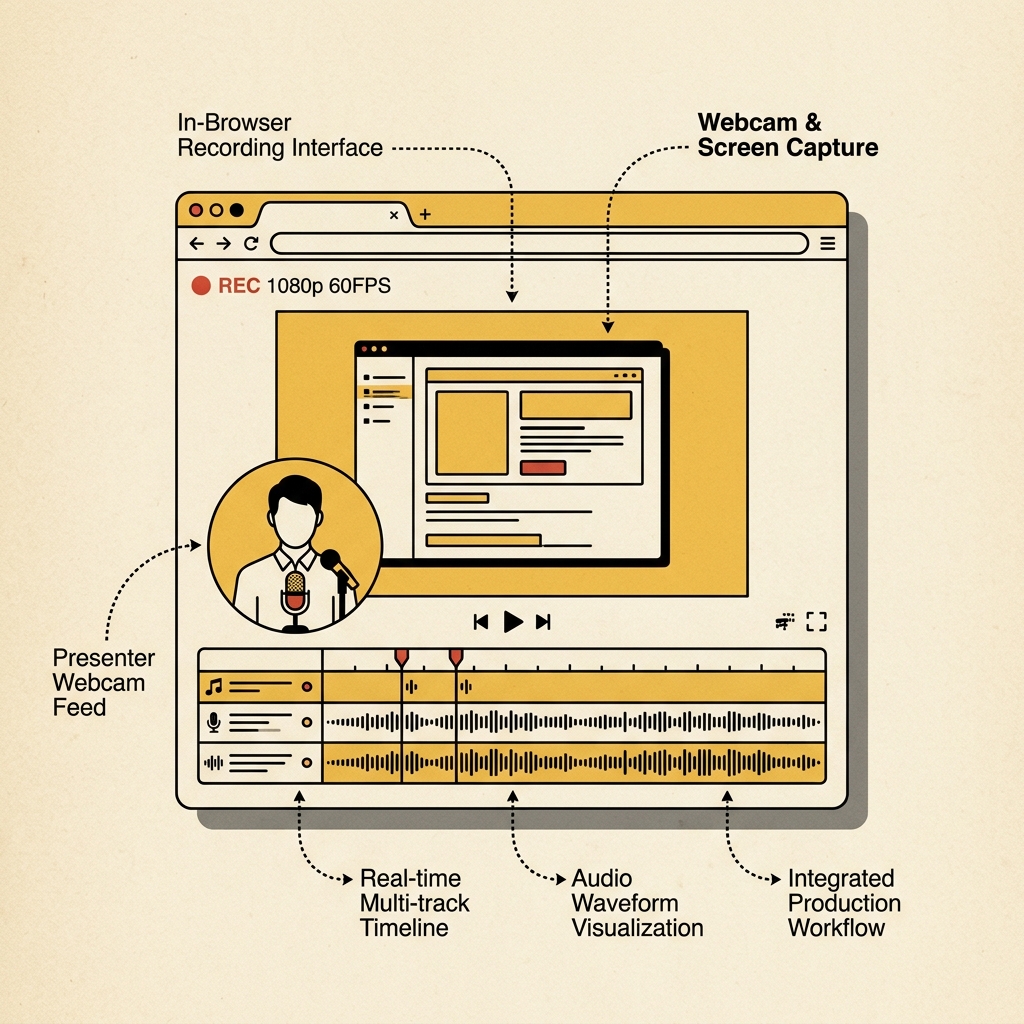
Record full desktop, application windows, or webcam with multi-channel audio mixing and timeline video editing. Client-side processing executed directly in browser memory.

Instant Local Processing
In-Memory Client Runtime
Lossless Quality Export
Screen and Webcam In-Browser Studio
No Loom Limit
Screen & Mic Rec
1080p 60FPS local studio

Screen Video Recorder & Editor StudioREADY

Record screen, webcam, and microphone with zero watermark and no time limit.

Stage Ready(1080p 30fps)
Elapsed:
00:00:00
Snap:
Screen Preview • Entire Screen

Screen Recording Stage

Click Start Recording to select your screen or window.

Drag bubble to position anywhere on stage
Audio Input Signal0%

Recording Inspector

CONFIG
Shape:
Scale:
Three Simple Steps

How to use In-Browser Screen & Webcam Recorder

Direct execution in browser memory with full vector precision.

1

Upload or Drop File

Select your source file from your local disk or drag and drop it into the workspace canvas.

100% Private in RAM
2

Process & Refine

Review automated results and use interactive controls like brush, crop handles, or sliders for precision adjustment.

Real-Time Preview
3

Download Clean Output

Export your high-resolution file directly to local disk with full resolution integrity.

Lossless Direct Export
Engineering

Built for privacy, speed, and precision

Ephemeral In-Memory Runtime

Files are processed ephemerally inside client-side RAM or temporary stateless workers. No storage, no logs.

Sub-Second Processing

Optimized canvas transformations and vector operations execute directly on the client thread without network transit.

Hardware Accelerated

Takes full advantage of modern GPU WebGL and HTML5 Canvas pipelines for fluid 60fps brush and pan interactions.

FAQ

Frequently Asked Questions

Everything you need to know about In-Browser Screen & Webcam Recorder

Yes, In-Browser Screen & Webcam Recorder is 100% free with no monthly subscription, no credit card requirement, and no hidden limits. You can process as many files as you need.

More in Media Suite Suite

View all Media Suite tools

Can You Record Screen and Webcam Without Time Limits or Watermarks?

Yes, NoPayWall Screen Recorder captures unlimited full-resolution screen and webcam video with zero vendor watermarks and zero time caps. Utilizing the native HTML5 MediaStream Recording API, the tool captures video frames at up to 60 frames per second directly from your graphics hardware pipeline. Because video encoding occurs locally on your machine rather than on expensive cloud rendering servers, NoPayWall has no economic incentive to limit recording duration or demand monthly subscription fees.

Technical Specifications: In-Browser Screen Recorder

CapabilityNoPayWall Free RecorderLoom / Commercial Alternatives
Recording DurationUnlimited (Local Disk Constrained)Capped at 5 minutes on free plans
Video Output QualityNative 1080p / 60 FPS720p downsampled on free tiers
Watermarks0 (Completely Unbranded)Vendor watermark stamp on video output
File StorageInstant WebM / MP4 Local SaveCloud upload requiring user login

Objective Comparison: NoPayWall vs. Loom

  • Choose Loom if:You require team cloud video links with time-stamped comments and automated Slack integrations.
  • Choose NoPayWall if:You want an immediate, unbranded 1080p recording saved directly to your hard drive without creating an account or paying monthly fees.